The NSA and FBI issued a joint warning in 2026 telling people to reboot their home routers and change default passwords. That’s not a routine tip, government cybersecurity agencies don’t typically issue public warnings about consumer hardware unless the threat has moved from theoretical to actively exploited.
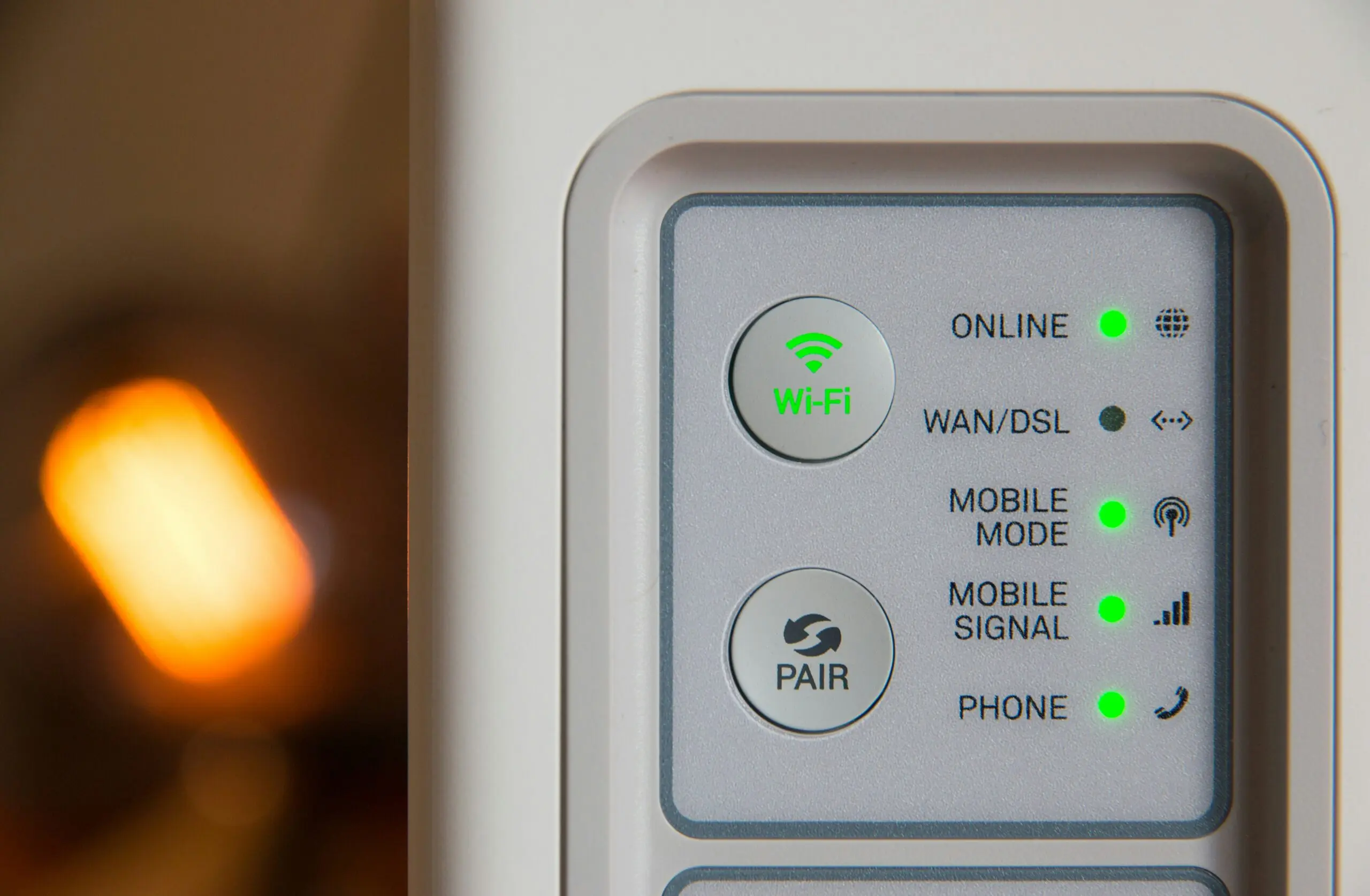
Why the Default Setup Is the Actual Problem
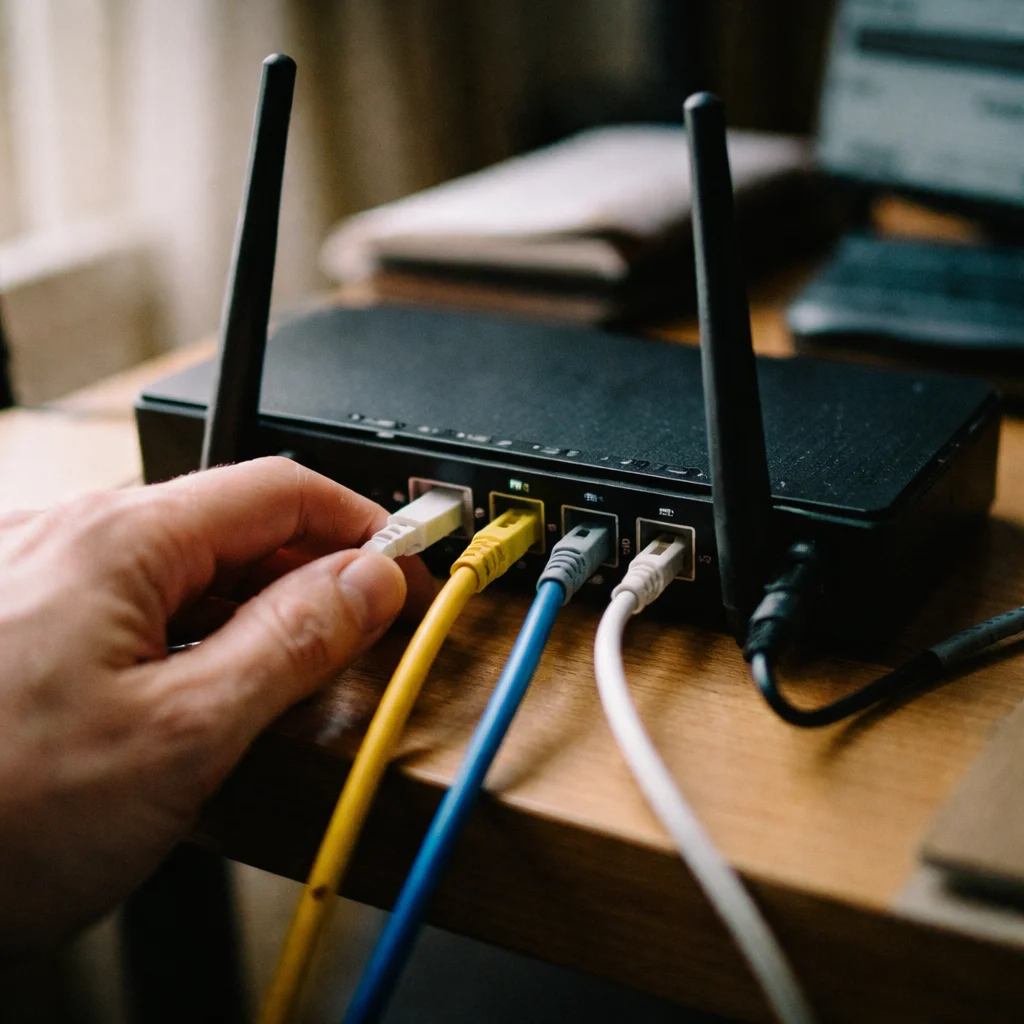
Most routers ship with a default admin username (often literally “admin”) and a simple default password, both usually printed on a sticker on the device itself, and both publicly documented online for every router model. If you never changed these during setup, anyone within range of your WiFi signal, or anyone who can reach your router’s admin panel remotely, has a real shot at logging in using information that’s public knowledge for your exact router model.
Your Network Name Gives Away More Than You Think
Leaving your WiFi network named with the router’s default SSID (something like “NETGEAR-5G” or the ISP’s default branded name) tells anyone nearby exactly what hardware they’re dealing with. If a hacker finds a network broadcasting its default name, they immediately know which known vulnerabilities and default credentials to try first, you’ve effectively labeled your own front door with the lock brand and model number.
This Isn’t Just a Home Problem Anymore
With remote work now standard for millions of people, home routers have become a genuine corporate security risk, an unsecured home network is now a potential entry point into a company’s systems through an employee’s work laptop. Some insurers have started requiring proof of remote-work network security as a condition of coverage, which signals how seriously this risk is now being treated outside the cybersecurity community itself.
The Fixes, In Priority Order
- Change the default admin login, both username and password, not just the password, since “admin” as a username is half the vulnerability
- Rename your network (SSID) to something that doesn’t reveal the router brand or model
- Enable WPA3 encryption if your router supports it, or WPA2 at minimum, older WEP or open networks are a hard no in 2026
- Update the router’s firmware, most routers check for this manually in the admin panel, and it’s the step people skip most often since it doesn’t happen automatically on most consumer hardware
The Bottom Line
None of these fixes require new hardware or technical expertise, they’re settings changes inside a router’s existing admin panel, most taking under ten minutes total. The gap between “secure” and “vulnerable” here isn’t a budget problem, it’s just a task most people never got around to after their router was first plugged in.

Digital Trends Contributor. Daniel Brooks covers technology news, internet trends, and consumer tech updates for News in Focus. His goal is to help readers understand how new technologies impact daily life through informative and approachable content.